BlueMaple HXM Pitstop - Item Group
By We Support on July 21, 2023
BeginnerItem Group
An Item Group is a way to classify items based on types.
Depending on the type of product, you can categorize an item under its respective field.
To access the Item Group list, go to:
Home > Stock > Items and Pricing > Item Group
or Type "Item Group List" in the Search menu and click new
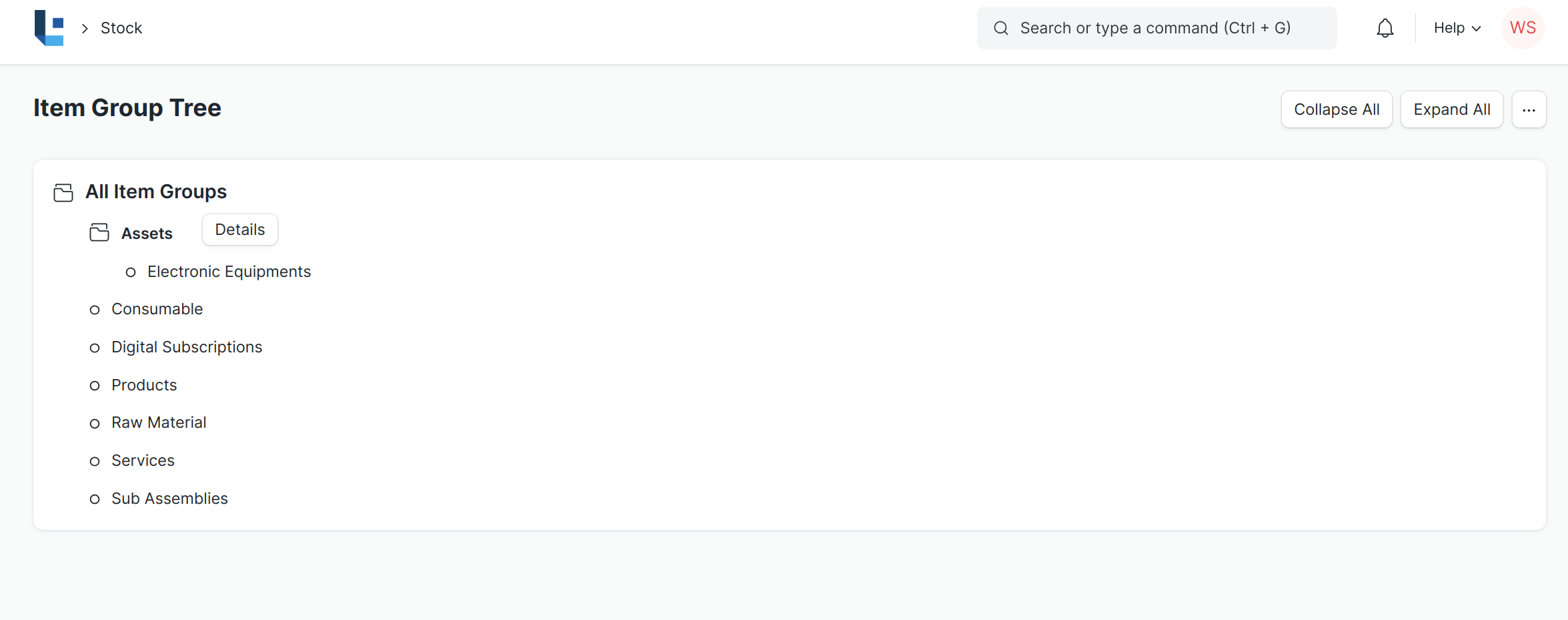
This is what the Item Group tree looks like:
1. How to create an Item Group
- Go to the Item Group list, click on New.
- Select a group node under which you wish to create the Item Group, the default root is 'All Item Groups'.
- Under the “All Item Groups” You can add the Child for Eg: Services,Raw Materials or
- Click on the new button and give the Item group name for Eg: Products and create new.
2.Related Topics
Was this article helpful?
More articles on Master Data